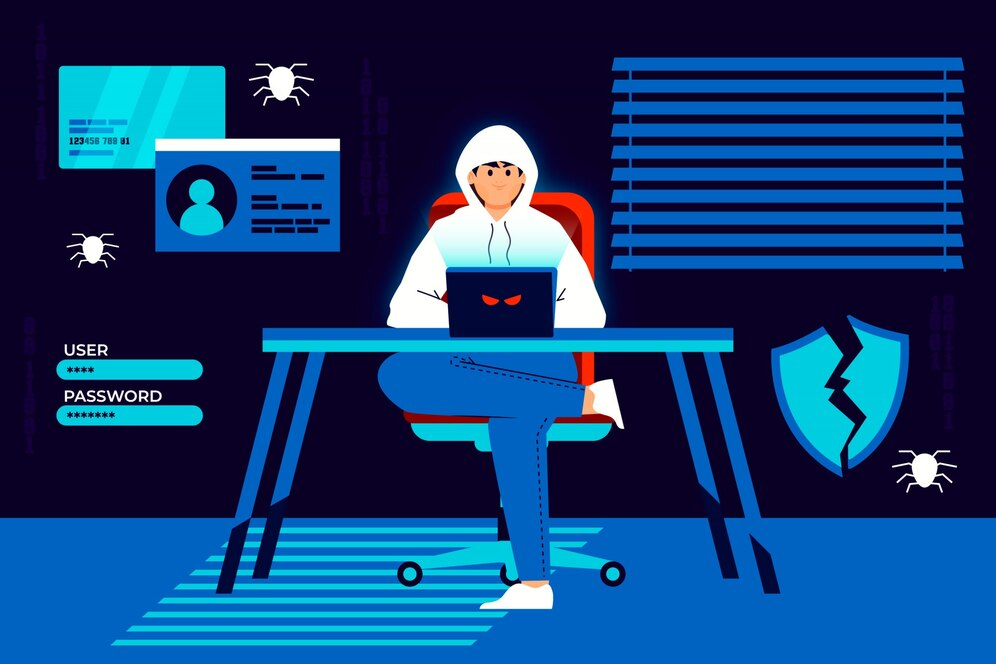
Have you thought about how to prevent a rat trojan to prevent the control loss of your computer? Hackers can take over your computer, steal your personal data, and cause major problems by using Remote Access Trojans (RATs). The good news is that there are a few easy things you can take to protect yourself.
In this blog, we’ll explain how to prevent a remote access trojan attack on your computer and keep your data safe.
What Are RATs In Computer Terms?
One kind of malware that allows attackers to remotely take over an infected device is called a (RAT) Remote Access Trojan.
A RAT opens a backdoor in the system after it is installed, enabling attackers to:
- Steal sensitive information.
- Install other harmful malware, like ransomware.
How Does RAT Work?
RATs, in contrast to conventional malware, enable remote control of an infected device. They frequently infiltrate your system by posing as software downloads, phony updates, or email attachments. RATs establish a covert backdoor once deployed, enabling attackers to:
- Steal personal data.
- Install more malware like ransomware.
- Spy on your activity.
How Do RATs Get Into Your System?

RATs use several tricks to fool users:
Phishing email attachments: Malicious files pose as innocuous documents or pictures.
Bundled downloads: They conceal themselves within updates or software that appears authentic.
Taking advantage of vulnerabilities: To install the RAT, hackers covertly target software or operating system flaws.
Attackers often:
- Use dynamic servers to avoid detection.
- Encrypt data or make it appear like regular traffic to conceal communications..
Types of Remote Access Trojans (RATs)
RAT (Remote Access Trojans) come in various forms, each customized to specific malicious activities. Here’s an overview:
1. PC RATs
PC RATs give attackers control over personal computers, allowing them to see, hear, and interact with the device. The primary goal is often financial gain. For instance, ransomware usually includes a RAT as part of its “package” to maintain ongoing access to the infected computer.
2. Server RATs
Server RATs are designed to stay hidden on servers for long periods. Attackers use them to:
- Maintain control over the server.
- Distribute malware continuously.
- Preserve access for future attacks when it suits their goals.
3. Website RATs
Similar to PC and server RATs, website RATs (such as web shells) allow attackers to:
- Execute commands.
- Manipulate files.
- Infect other websites linked to the compromised one.
4. Mobile Phone RATs
Mobile RATs target smartphones, focusing heavily on banking apps. They enable attackers to:
- Steal sensitive banking data.
- Take control of banking apps without the user noticing.
For example, the Anubis Trojan began as banking malware but evolved to include full remote access capabilities.
How to Prevent Remote Access Trojan Attacks?

Here are eight proven ways to strengthen your Remote Access Trojan (RAT) protection and reduce the risk of infection:
Set-up Anti-Malware Software
A reliable antivirus solution provides strong antivirus for trojan protection by detecting and blocking malicious files before they can infect your system. These tools are made to identify and remove RATs and other harmful software. Update the program to protect against emerging dangers..
Strengthen Access Control
It is more difficult for unauthorized people to access your systems when access control is strengthened. Use robust authentication techniques, such as two-factor authentication, and set up firewalls to restrict access.
Adhere to the Least Privilege Principle
The least privilege principle (POLP) guarantees that users have only the access required to carry out their duties. You may greatly lessen the chance that a RAT will take complete control of a device by restricting rights and privileges.
Monitor for Unusual Application Behavior
One of the easiest ways to learn how to detect RAT malware is by monitoring unusual application and network activity. RATs frequently establish a connection to a distant server in order to obtain commands, which causes unusual network activity. RATs can be found early by keeping an eye on program behavior for odd behaviors like connecting to unfamiliar IP addresses or sending large amounts of data.
To find unidentified processes, launch Task Manager on a Windows computer or Activity Monitor on a Mac.
Use an Intrusion Detection System
Network traffic can be continuously monitored with the aid of intrusion detection systems (IDS). While network-based IDS (NIDS) tracks all network traffic, host-based IDS (HIDS) keeps an eye on specific devices.
Keep Your Software Updated
Attackers frequently take advantage of flaws in out-of-date software and operating systems. Update your operating system, browsers, and other frequently used applications to fix security vulnerabilities. Remember to install firewall and antivirus software updates whenever they become available..
Adopt a Zero-Trust Security Model
Every person and device is continuously validated before gaining access to a network according to the zero-trust security concept. It places a high priority on stringent device control, ongoing monitoring, and restricted user access.
Undergo Cybersecurity Training
People who receive cybersecurity training are better able to identify and steer clear of common risks like phishing scams and dubious websites. RAT infections can be avoided with regular training on malware detection and software download best practices.
What If Your Computer Is Already Infected?
If you notice signs of RAT infection on your PC, such as slow performance, unknown programs running in the background, disabled security software, or unusual network activity, disconnect the device from the internet immediately. Then use a trusted RAT trojan removal tool or reputable antivirus software to scan and remove the malware before reconnecting your system.
Conclusion
It’s essential to understand how to stop a Remote Access Trojan in order to protect your computer and private data. You may defend against these cunning dangers by taking easy precautions like installing anti-malware software, creating secure passwords, and routinely updating your system.
FAQs
What is a Remote Access Trojan?
RAT is a software that allows a hacker to take control of a computer from a distance.
What are RATs in terms of computers?
In computers, RAT (Remote Access Trojans) is malware software that allows hackers to take control of a victim’s computer from a distance.