Highlights
- Acrobat Reader offers multimedia embedding and real-time collaboration.
- PDF Gear is inexpensive, lightweight, and perfect for those who only need basic PDF functionality.
- Acrobat Reader offers exact conversion and advanced PDF editing with little to no formatting loss.
- PDF Gear allows PDF editing features offline.
- Acrobat Reader is perfect for professionals while PDF Gear is a superb tool for beginners.
Finding the best tool for your PDF-related requirements when Acrobat Reader vs PDF Gear is in question can be challenging. Both possess a comprehensive list of features that make them an ideal choice. However, they do have distinctions that make them unique, so you need to know them to make an informed decision.
In this article, we will cover a variety of features of both applications. So, you will have everything in vision and choose the tool that works best for you.
What is an Acrobat Reader?
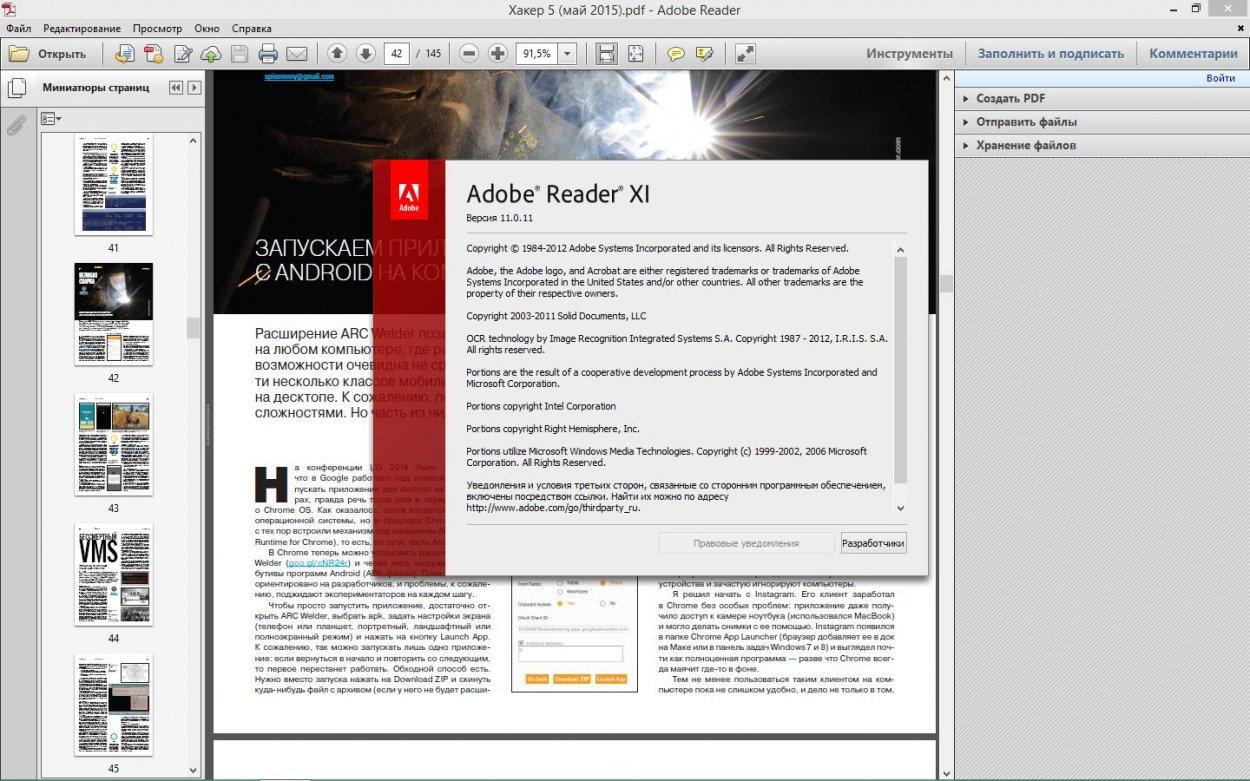
Adobe Acrobat is the most widely used PDF tool globally. Being a creator of PDF format, Adobe has always been active in PDF technology for decades. From June 15 1993 PDF introduction to the world till now, it is considered one of the most effective innovations in data storage and management.
Through the years, Adobe readers have evolved offering a variety of features to its users. Among various other variants of Adobe, Adobe Reader is the most popular PDF converter.
Adobe Reader comes in both a free and a premium version providing its users with basic yet necessary PDF functionality and advanced features.
Key Features of Acrobat Reader
- Viewing and Annotating
It allows users to easily open and view PDF documents. It includes tools like comments, highlights, and sticky notes that are particularly useful for students, researchers, and professors.
- Filling Forms
It allows users to sign and fill out forms electronically. This feature makes them a great option for dealing with contracts or HR documents.
- Document Collaboration
Acrobat Reader integrates collaborative features that allow users to share PDFs, track comments, and respond to feedback in real-time.
- Security Features
It allows users to protect their files with passwords, restricts copying and printing, and ensures that sensitive information stays secure.
- Cloud Integration
Acrobat Reader syncs with Adobe Document Cloud. It allows users to access and store files across devices.
Premium Features
- PDF Editing
The premium version allows the full editing of PDFs. It allows the modification of text, images, and formatting within the document.
- PDF Conversion
It allows the conversion of PDF to other formats like MS Word, Excel, or PowerPoint.
- Optical Character Recognition
It offers a great OCR technology that converts scanned documents and images into editable and searchable PDFs.
What is PDF Gear?
Launched in 2022, PDF Gear is a more recent competitor in the field of PDF management solutions. It appeals to individuals and small organizations who require an alternative to Adobe’s higher subscription rates. It provides a feature-rich platform at a reduced price point. Despite that, it does not have the same long-standing reputation as Adobe.
Its AI assistant called PDF Gear Copilot provides fast response to PDF-related queries of the user. With a vast array of PDF functionalities that surpass Adobe’s, PDF Gear focuses on presenting a lightweight, quick, and easy-to-use interface. It is adaptable for a range of users because it supports both desktop and web versions.
Key Features of PDF Gear
- PDF Viewing and Annotation
PDFs are made easy with PDF Gear’s slick and user-friendly interface. It is an effective tool for both personal and professional reviews because it allows for underlining, comments, and sketching.
- PDF Editing
PDF Gear comes with built-in tools for editing PDFs. Thus, it allows users to alter the text and images in the document right within the software.
- Conversion Tools
PDF Gear offers PDF conversion capabilities, much like Adobe, enabling users to export PDFs to Word, Excel, or JPG.
- Form Filling and Digital Signature
PDF Gear allows users to digitally sign documents and complete interactive forms. This feature helps complete applications, tax forms, and contracts.
- Batch Processing
PDF Gear allows batch processing. It is the ability to combine, split, or convert numerous PDFs at once.
- Offline Mode
PDF Gear offers complete offline functionality. You can continue to use the majority of its features even when you’re not connected to the internet. This sets it apart from some other online tools.
Premium Features
- Advanced Editing
PDF Gear’s premium edition comes with more sophisticated editing features, such as the capacity to work with specific PDF elements including intricate layouts or vector images.
- OCR Support
PDF Gear offers OCR support to turn scanned documents into editable text, much like Acrobat Reader.
- Compression and Encryption
It offers encryption solutions to protect sensitive data and enables users to compress big files into more manageable sizes.
PDF Gear vs Adobe Reader- A Detailed Comparison

Now, that we know the features of both tools, it’s time to see Acrobat Reader vs PDF Gear side by side to decide which one is better.
User Interface and Ease of Use
- Acrobat Reader
Its user interface is clean and polished. However, because of its vast number of features, some may find it overwhelming. It’s a little hard for beginners but excel in a professional setting. In fact, it’s a great tool professionals use in custom software solutions used in data acquisition.
- PDF Gear
On the other hand, PDF Gear is lightweight and straightforward. Its minimalistic design and interface make it easier for non-technical users or those with basic PDF needs to navigate. It quickly loads and offers intuitive workflow making it a great option to prioritize ease of use.
PDF Viewing and Annotation
- Acrobat Reader
It provides a comprehensive set of annotation tools. You can add text boxes, and multimedia elements, and highlight the text. It is especially good for collaborative projects.
- PDF Gear
It offers core annotation features like highlighting, commenting, and drawing. However, it doesn’t offer advanced features like multimedia embedding and real-time collaboration. However, for basic annotations, PDF Gear works great.
Editing Capabilities
- Acrobat Reader
The free version allows basic annotations, but the premium version provides a complete set of editing tools. It enables you to make significant changes to text, images, and formatting within PDFs.
- PDF Gear
It also offers strong editing capabilities in both free and premium versions. Users can edit text and images, rearrange pages, and modify layouts. Though it doesn’t offer more editing tools than Adobe Reader it certainly makes a competitive alternative.
PDF Conversion
- Acrobat Reader
When it comes to converting PDFs into Word, Excel, PowerPoint, and even HTML, Adobe Acrobat Pro DC is second to none. There is minimal formatting loss during converting, which is of excellent quality.
- PDF Gear
Users can export PDFs into Word, Excel, or picture formats with PDF Gear’s PDF conversion features. Although the quality is generally decent, Adobe continues to have the advantage when it comes to accuracy and preserving the original layout.
Performance and Speed
- Acrobat Reader
Although Acrobat Reader has a lot of features, some users have complained that it can take a while to load, especially when loading large or complicated PDF files. This is a typical trade-off for all the capabilities it provides.
- PDF Gear
PDF Gear takes great satisfaction in being quick and light. It works well even with larger files, and customers who require lag-free, fast access will find it to be a more ideal solution due to its comparatively lower footprint
In the Bottom Line- Which One is Better?
PDF Gear provides a lightweight, reasonably priced substitute for regular PDF tasks. Although it doesn’t have strong editing and batch-processing capabilities. On the other hand, Acrobat Reader is perfect for professionals requiring sophisticated features. It offers real-time collaboration, multimedia embedding, and accurate PDF conversion.
Particularly for non-technical users, PDF Gear is an excellent choice if speed and usability are your top priorities. You can seek further tailored guidance from Tambena Consulting regarding PDF tools and data management solutions.