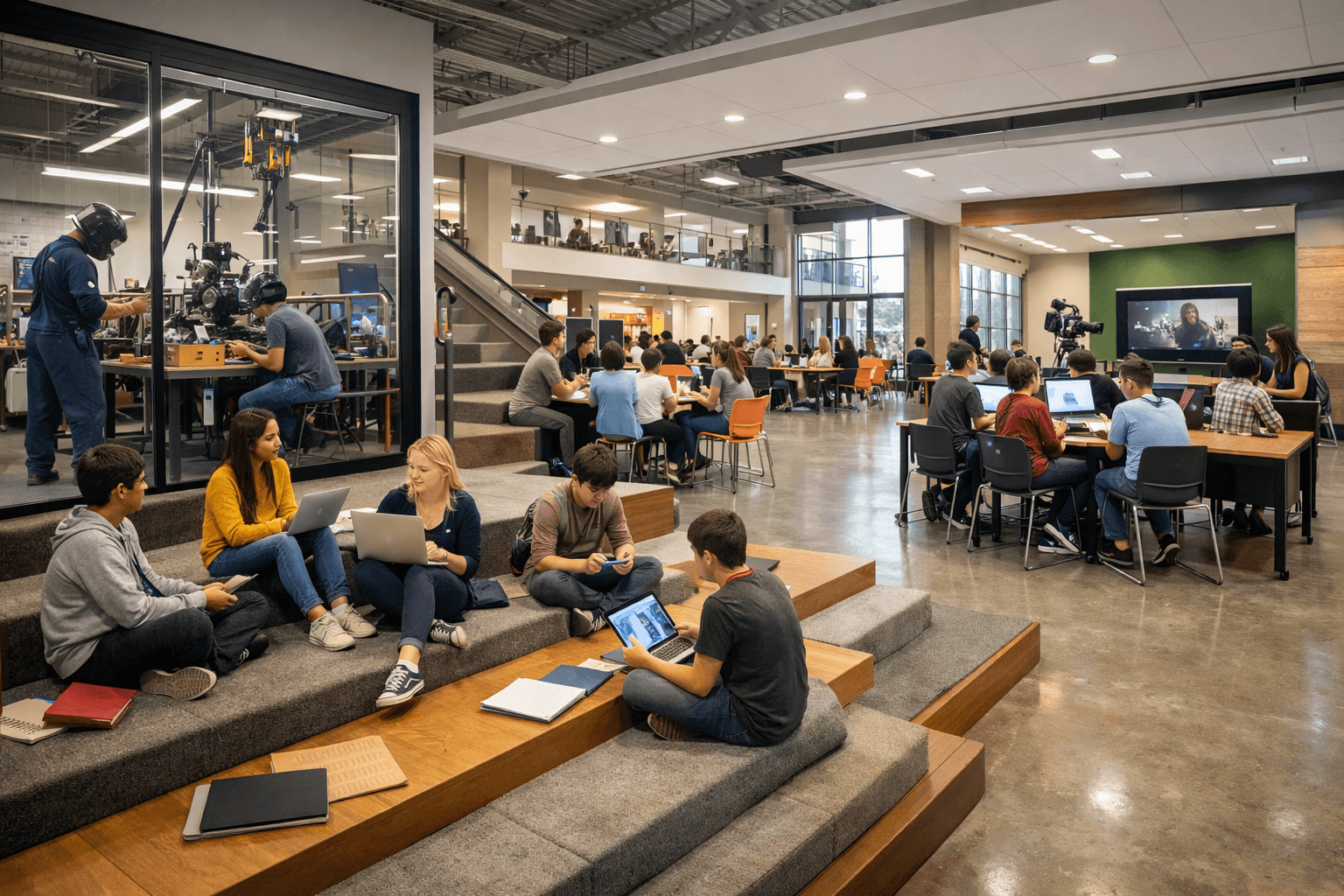
Technology is no longer a “nice to have” in K–12 education. It is woven into nearly every part of the school day, from digital lesson plans and online testing to student devices, smartboards, security cameras, cloud applications, and parent communication platforms.
But there is a problem many districts still face: classroom technology often grows faster than the network supporting it.
A school may invest in new laptops, tablets, learning management systems, video tools, and security devices, only to discover that the underlying network cannot keep up. Slow Wi-Fi, dropped connections, inconsistent coverage, overloaded access points, and limited visibility can disrupt instruction and frustrate both teachers and students.
That is why K–12 network planning has become a strategic priority, not just an IT task. A modern school network must support high-density wireless usage, protect student data, simplify management for lean IT teams, and prepare campuses for emerging tools such as AI-assisted learning, immersive media, cloud-based instruction, and connected safety systems.
Below are nine practical ways K–12 schools can build networks that are reliable today and flexible enough for tomorrow.
1. Start With the Classroom Experience, Not the Hardware
A common mistake in school network planning is starting with equipment first: switches, routers, access points, cabling, controllers, or licensing. Those details matter, but they should come after a clear understanding of what the network must enable.
The better starting question is: “What should teaching and learning feel like when the network is working well?”
For a teacher, that may mean launching a video lesson without buffering, moving between apps without delay, or managing digital assignments while students collaborate in real time. For students, it may mean reliable access to online testing platforms, cloud documents, research tools, assistive technologies, and classroom devices. For administrators, it may mean better safety monitoring, communication, and operational visibility across the campus.
When schools define network success around real classroom outcomes, IT decisions become more focused. Instead of simply asking whether the school has Wi-Fi, leaders can ask whether every instructional space has enough capacity, coverage, security, and resilience to support the way students actually learn.
This approach also helps avoid underbuilding. A network designed only for basic browsing may fail once classrooms add video, digital assessments, interactive displays, personal devices, and cloud-based applications.
2. Design for High-Density Wireless From the Beginning
K–12 classrooms are now high-density technology environments. A single room may include teacher laptops, student Chromebooks, tablets, phones, interactive displays, wireless projectors, document cameras, sensors, and other connected devices.
That density changes how Wi-Fi should be planned.
A basic access point placed in a hallway may have been acceptable years ago, but modern classrooms often require more intentional wireless network design. Schools should consider the number of devices per classroom, the types of applications being used, expected peak usage times, building materials, interference, and outdoor coverage needs.
For example, online testing days can create intense spikes in demand. If hundreds or thousands of students log in at once, weak wireless design can quickly become a learning disruption. The same applies to video-heavy instruction, livestreamed events, digital collaboration, and cloud-hosted learning tools.
A future-ready wireless strategy should account for:
- Device counts per classroom
- Peak bandwidth demand
- Coverage in gyms, libraries, cafeterias, outdoor areas, and administrative spaces
- Support for newer Wi-Fi standards
- Network segmentation for different user groups
- Simple troubleshooting and performance monitoring
Schools should not think of Wi-Fi as a blanket signal. They should think of it as instructional infrastructure.
3. Build a Strong Wired Foundation Under the Wireless Network
Even the best wireless experience depends on the wired infrastructure behind it. Access points, cameras, phones, badge readers, sensors, classroom displays, and security devices all rely on cabling, switching, power, and uplinks.
This is where many schools run into hidden limitations. A district may upgrade wireless access points but leave older cabling, insufficient switch capacity, or limited power budgets in place. The result is a network that looks modern on the surface but struggles under real classroom demand.
A strong wired foundation should support higher speeds, Power over Ethernet, and future expansion. Schools planning new installations or major renovations should consider cabling and switching choices that can support next-generation access points, high-bandwidth applications, and connected building systems.
This is also where standards-based design becomes important. Educational facilities have different needs than small offices or residential environments. Classrooms, labs, libraries, auditoriums, athletic spaces, and administrative offices all create unique connectivity requirements.
The most effective network solutions built for K–12 classrooms connect physical infrastructure decisions with real educational outcomes: stable Wi-Fi, secure access, reliable testing, safer campuses, and simpler long-term management.
4. Segment the Network to Improve Security and Performance
A school network serves many different users and devices. Students, teachers, administrators, guests, contractors, cameras, printers, HVAC systems, access control systems, and personal devices should not all have the same level of access.
Network segmentation separates users, devices, and applications into controlled zones. This helps improve both performance and security.
For example, student devices may need access to learning platforms but not administrative systems. Guest users may need internet access but should not be able to see internal resources. Security cameras and building systems may need dedicated pathways to reduce risk and improve reliability. Staff may need access to sensitive systems that students and visitors should never reach.
This is why network solutions built for K–12 classrooms should be designed around real school roles and device types, not just general internet access. A student tablet, a teacher laptop, a visitor phone, and a security camera all create different risks and require different access rules.
Effective segmentation can reduce the spread of threats, limit accidental access, and make troubleshooting easier. It also supports compliance efforts related to student data privacy and cybersecurity best practices.
Modern segmentation strategies may include role-based access, identity-aware policies, virtual networks, device profiling, and automated enforcement. The important point is simple: access should be intentional, not assumed.
A practical rule for K–12 networks is to give each user and device only the access they need to do their job or support instruction.
5. Make Secure Onboarding Simple for Students, Staff, and Guests
Security matters, but it cannot be so complicated that teachers and students constantly need IT help just to connect.
K–12 schools need secure onboarding processes that are scalable and easy to use. This is especially important in districts with one-to-one device programs, BYOD policies, rotating substitute teachers, visiting presenters, shared carts, and guest access needs.
A good onboarding process answers several questions clearly:
Who is connecting?
What device are they using?
Is the device school-owned or personal?
What network access should it receive?
How long should that access last?
What should happen if the user or device no longer meets policy requirements?
For school-owned devices, onboarding should be as automated as possible. For personal devices, access should be limited and controlled. For guests, the process should be convenient but isolated from internal systems.
Strong onboarding also improves network visibility. When IT teams know what is connected, where it is connected, and how it is behaving, they can resolve problems faster and reduce risk.
6. Use Cloud Management and AI Tools to Help Lean IT Teams
Many school IT teams are responsible for large campuses, thousands of users, aging infrastructure, tight budgets, and constant support requests. They need tools that reduce manual work, not add complexity.
Cloud-managed networking and AI-assisted operations can help by centralizing visibility, automating routine tasks, identifying root causes, and making it easier to manage multiple schools from one interface.
For example, instead of driving to a school to investigate a Wi-Fi complaint, an IT team may be able to see whether the issue is related to signal strength, authentication, device health, application performance, switching, or internet connectivity. This shortens troubleshooting time and helps teachers get back to instruction faster.
Useful capabilities may include:
- Centralized dashboards across campuses
- Automated alerts
- Device and user visibility
- Performance analytics
- Root-cause recommendations
- Policy management
- Firmware and configuration updates
- Historical reporting
AI should not be viewed as a magic replacement for skilled IT staff. Its value is in helping teams find patterns, prioritize issues, and act faster. In K–12 environments where IT resources are often stretched, that operational efficiency can make a meaningful difference.
7. Plan for Safety Systems as Part of the Network Strategy
School networks now support much more than classroom instruction. They also support campus safety and building operations.
Security cameras, access control systems, emergency notification tools, sensors, intercoms, visitor management systems, and connected lighting may all depend on network reliability. If those systems fail during a critical moment, the consequences can be serious.
That means safety technology should be included in network planning from the beginning. Schools should evaluate power requirements, bandwidth needs, switch capacity, redundancy, device placement, and traffic prioritization.
Power over Ethernet is especially important because many cameras, access points, phones, and sensors receive both power and data through network cabling. As schools add more connected safety devices, switch power budgets and cabling design become increasingly important.
A classroom network and a campus safety network should not be treated as separate worlds. They share the same underlying infrastructure, and both require reliability.
8. Align Network Upgrades With Funding and Lifecycle Planning
Network modernization can be expensive, but poor planning often costs more over time. Schools that upgrade reactively may end up replacing systems in pieces, creating compatibility issues, management complexity, and recurring performance problems.
A better approach is lifecycle planning.
Districts should map their current network assets, identify what is near end of life, evaluate instructional priorities, and create a phased upgrade roadmap. This roadmap can align technology needs with budget cycles, grant opportunities, and funding programs.
For U.S. schools, E-Rate planning is often part of this conversation. Eligible services and equipment can help schools improve connectivity, but the process requires planning, documentation, and timing. Districts that wait until problems become urgent may miss opportunities to fund upgrades strategically.
A practical network lifecycle plan should include:
- Current infrastructure inventory
- Known performance gaps
- Security and compliance needs
- Device growth projections
- Wireless and switching upgrade timelines
- Cabling requirements
- Support and maintenance needs
- Funding windows and procurement deadlines
The goal is not simply to buy newer equipment. The goal is to make network investments predictable, justifiable, and aligned with educational priorities.
9. Prepare for the Next Decade of Digital Learning
The future classroom will place even greater demands on school networks. AI-powered learning platforms, adaptive assessments, augmented reality, virtual labs, cloud desktops, video collaboration, connected security systems, and data-rich administrative tools will all require dependable connectivity.
Schools do not need to adopt every emerging technology immediately. But they do need infrastructure that gives them options.
Future-ready network planning means asking what the district may need in three, five, or ten years. Will more applications move to the cloud? Will classrooms use more video and immersive content? Will safety systems become more connected? Will bandwidth needs rise? Will IT teams need stronger automation? Will cybersecurity requirements become more demanding?
The answer to most of these questions is yes.
That is why scalable network design matters. Network solutions built for K–12 classrooms should not be planned only around today’s device count. They should account for future wireless standards, higher application demand, stronger cybersecurity requirements, and the growing role of connected safety systems.
Schools should avoid building networks that barely meet today’s needs. A network with no room for growth can quickly become a bottleneck for instruction, safety, and operations.
A future-ready K–12 network is not just faster. It is more visible, secure, manageable, resilient, and adaptable.
Conclusion: Better Networks Create Better Learning Conditions
K–12 schools depend on technology more than ever, but technology only works well when the network behind it is strong. Reliable connectivity supports instruction, assessment, safety, communication, and daily operations across the entire campus.
The most effective school network strategies begin with the classroom experience, then build backward into wireless design, wired infrastructure, segmentation, onboarding, cloud management, safety systems, funding plans, and long-term scalability.
For district leaders and IT teams, the takeaway is clear: network modernization should not be treated as a one-time hardware refresh. It should be a strategic investment in better learning conditions.
When schools build networks that are secure, reliable, and ready for growth, teachers can teach with fewer interruptions, students can learn with fewer barriers, and IT teams can support the future of education with greater confidence.
About the Author
Vince Louie Daniot is a digital marketing and SEO professional who writes about technology, business systems, and practical strategies for improving online visibility. His work focuses on creating clear, research-driven content that helps businesses understand complex topics such as IT infrastructure, ERP systems, web development, and digital transformation.