In contemporary, fast-paced development contexts, manually managing database changes is no longer viable. Businesses may expedite deployment cycles, minimize human error, and streamline changes with an automated database approach. However, ineffective migration processes, unplanned downtime, and data integrity threats continue to plague many enterprises.
Some of the common concerns that users face are:
- “How can I move databases without experiencing any downtime?”
- “What tools ensure safe schema changes?”
- “Why do migrations fail in production?”
This guide addresses those real-world challenges while uncovering competitor gaps. Most blogs focus on tools but ignore strategy. Here, you’ll learn actionable frameworks to implement seamless database migration automation.
Why Manual Migrations Are Holding You Back
Manual database upgrades frequently appear doable until they become unmanageable.
Typical Pain Points:
- Deployment delays due to human intervention
- Data inconsistency across environments
- High risk of rollback failures
- Absence of version control and audit trails
Even little schema modifications can turn into high-risk processes if they are not automated.
The Unspoken Price of Inefficiency
The real issue isn’t just time, it’s business impact.
Every failed migration can lead to:
- Downtime affecting revenue
- Broken applications and poor user experience
- Increased operational costs
- Reduced developer productivity
This is something that rival content frequently ignores: migration is a business-critical process rather than merely a technical undertaking. Businesses who don’t update run the danger of lagging behind in terms of innovation and scalability.
Database Automation Techniques for Intelligent Migration
Let’s examine five effective tactics that can turn your migration procedure into a dependable, scalable system.
Construct an Automated Data Systems Foundation Version-Controlled Data Infrastructure
Version control is the first step towards a solid foundation, not just for code, but also for your database structure.
Why It’s Important
- Tracks every schema change
- Enables safe rollbacks
- Improves team collaboration
How to Implement:
- Use migration scripts stored in Git
- Keep distinct environments (production, staging, and development).
- Use tools that facilitate schema versioning.
Pro Tip:
Treat your database like code. The foundation of contemporary automated database systems is this idea, which is frequently referred to as Database-as-Code.
For database changes, use Continuous Integration (Automated DB Workflows)
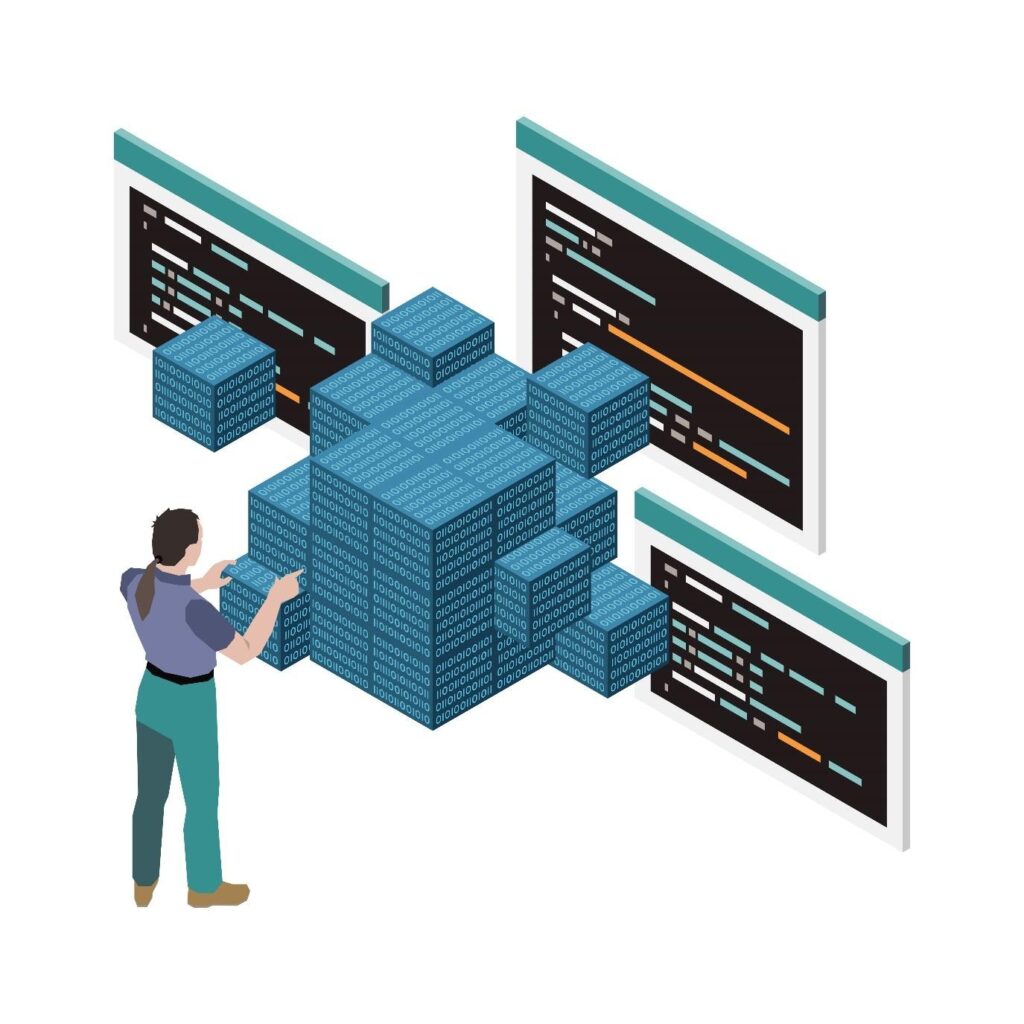
Integrating database migrations into CI/CD pipelines ensures consistency across deployments.
Benefits:
- Automatic testing of schema changes
- Early detection of conflicts
- Faster release cycles
Key Steps:
- Trigger migrations during CI builds
- Validate schema compatibility
- Run automated tests on updated structures
Automating Schema Validation in Automated Database Workflows
Schema validation ensures that your database changes won’t break existing functionality.
Best Practices:
- Use linting tools for schema syntax
- Run backward compatibility checks
- Validate foreign key relationships
Although rivals frequently omit this step, it is essential to preventing production mishaps.
Adopt Blue-Green Database Deployment (Zero-Downtime Migration)
For good reason, one of the main concerns with database migration is downtime.
Blue-Green Deployment: What Is It?
Two identical environments:
- Blue: Current production
- Green: Updated version
Traffic is switched only after successful validation.
Advantages:
- Zero downtime
- Easy rollback
- Real-time testing
Real-World Insight:
Many businesses fail here because they apply blue-green strategies to apps—but not databases.
Zero-Downtime Techniques in Automated Database Systems
To ensure seamless transitions:
- Use backward-compatible schema changes
- Avoid destructive operations initially
- Implement feature toggles
These techniques are essential for high-availability systems.
Leverage Database Automation Software for Scaling
Choosing the right database automation software can dramatically simplify data migrations.
Features to Look For:
- Schema comparison tools
- Rollback automation
- Observing and warning
- Combining CI/CD tools
Use Case Examples:
- Large-scale business relocations
- Multi-region database replication
- Cloud-native database management
This is where many competitor blogs fall short—they list tools but don’t explain how to use them strategically.
Implement Monitoring and Rollback Mechanisms (Smart Data Migration Systems)
Automation does not equate to “set and forget.” Monitoring is essential.
What to Monitor:
- Query performance
- Data consistency
- Error logs
- System load
Rollback Strategy:
- Always have a tested rollback script
- Keep backups before migration
- Automate rollback triggers for failures
How Tambena Consulting Can Help Your Business
It takes experience, preparation, and the appropriate instruments to put these techniques into practice. That’s where Tambena Consulting comprehensive database consulting services comes in.
What They Offer:
- End-to-end migration strategy design
- Custom automation frameworks
- Evaluation and reduction of risks
- Integration with the infrastructure you already have
Reasons for Selecting Them
- Demonstrated expertise with automated database administration
- Customized solutions for businesses and startups
- Pay attention to long-term performance and scalability.
Businesses can use Tambena’s experience to implement dependable and effective migration pipelines rather than experimenting with trial-and-error.
It’s time to upgrade if your company still uses manual migrations.
Start by assessing your current procedure, locating bottlenecks, and putting at least one of the previously mentioned tactics into practice. Consider working with Tambena Consulting to create a database migration solution that is geared for the future for quicker and more dependable outcomes.
By putting these tactics into practice, companies can switch from dangerous manual procedures to effective, scalable, and intelligent database systems, enabling quicker expansion and innovation. .
FAQs
Automated databases: what are they?
Systems that handle data updates, backups, scaling, and migrations without the need for human interaction are known as automated databases. To guarantee effectiveness, consistency, and a decrease in human error in database operations, they employ scripts, workflows, and tools.
Which four categories of databases exist?
There are four primary categories of databases:
- Relational databases, such as SQL-based systems, contain organized data in tables.
- NoSQL databases: adaptable, schema-free data storage
- Data arranged in tree-like forms is known as a hierarchical database.
- Network databases are collections of data linked by several relationships.
Depending on the requirements for performance, scalability, and flexibility, each type supports distinct use cases.
What are the top 10 databases?
Here are some of the most widely used databases:
- MySQL
- PostgreSQL
- Oracle Database
- Microsoft SQL Server
- MongoDB
- Redis
- SQLite
- Cassandra
- MariaDB
- Elasticsearch
These databases are popular due to their performance, scalability, and community support.